Information screens for buildings and businesses
What everyone needs to know, on one clear screen
Notices, bus arrivals, weather and air quality, kept up to date. Managers post from their phone or LINE, without going to the screen.
Made for each place
Every kind of place has its own screens
Apartments see notices and buses, clinics see the queue, laundromats see their machines. These are the system's own screens, shown with sample content.
-
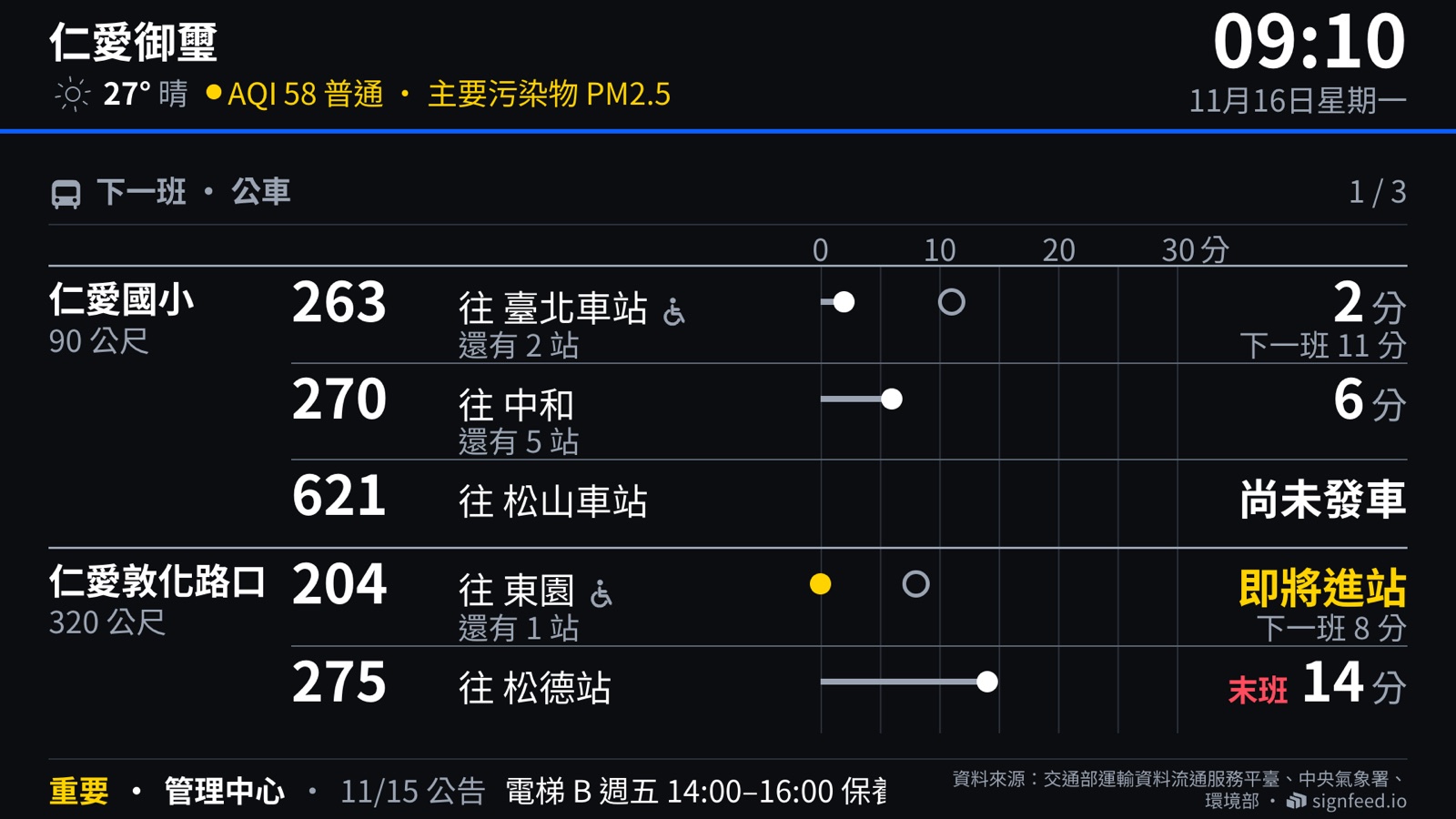
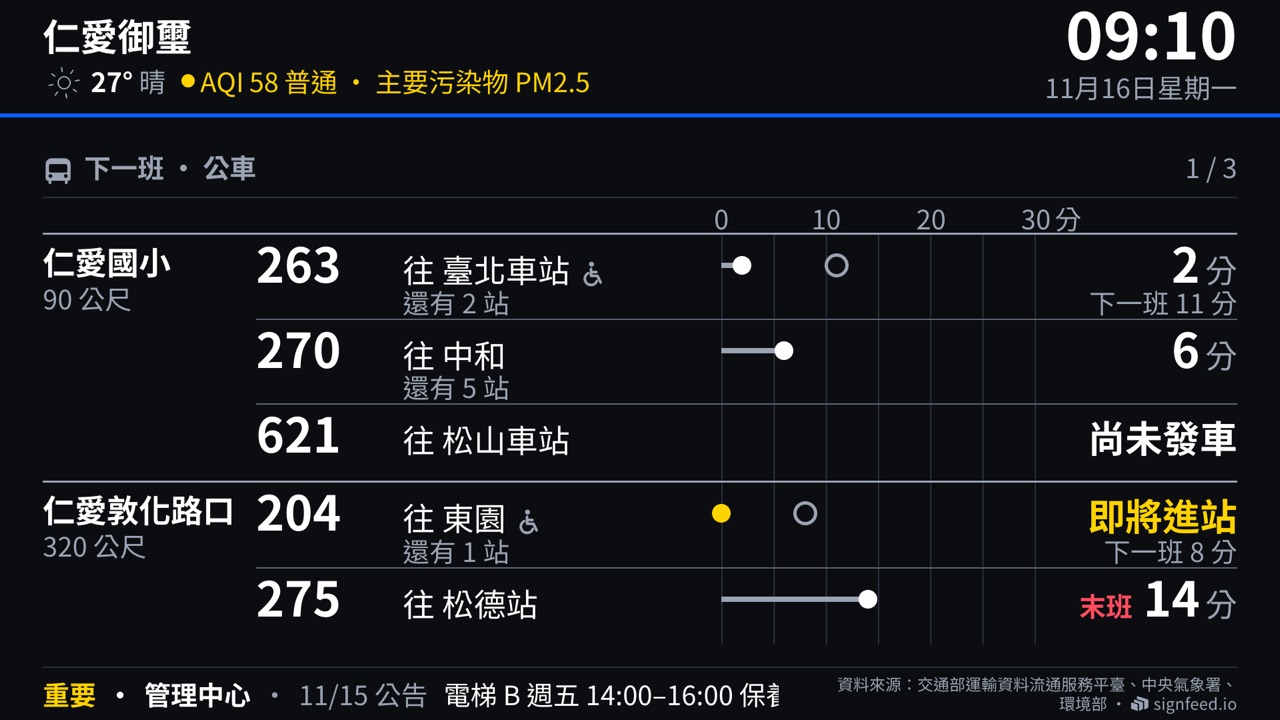
Apartment buildings
The committee's notices, bus and metro arrivals, weather and air quality
-
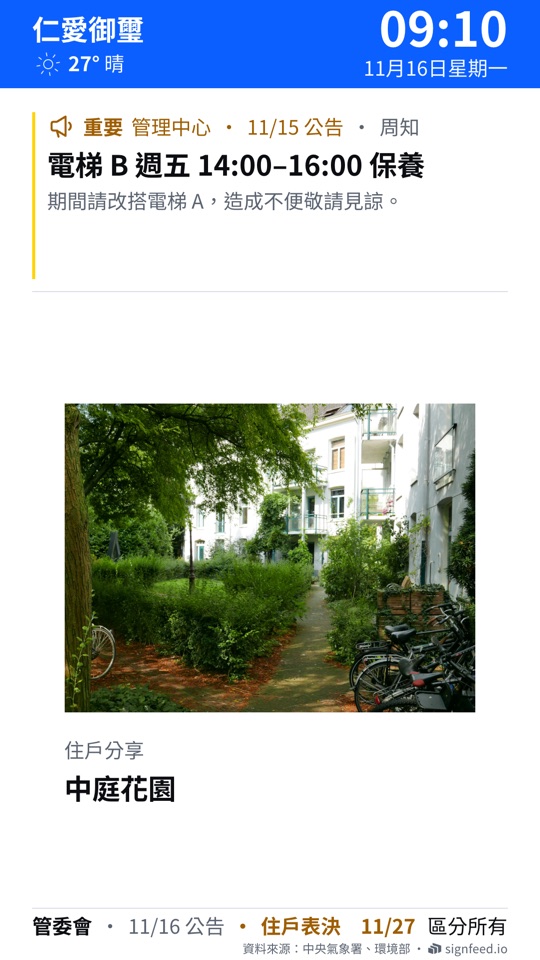
Lifts
An upright screen: the one notice that matters and a resident's photo
-
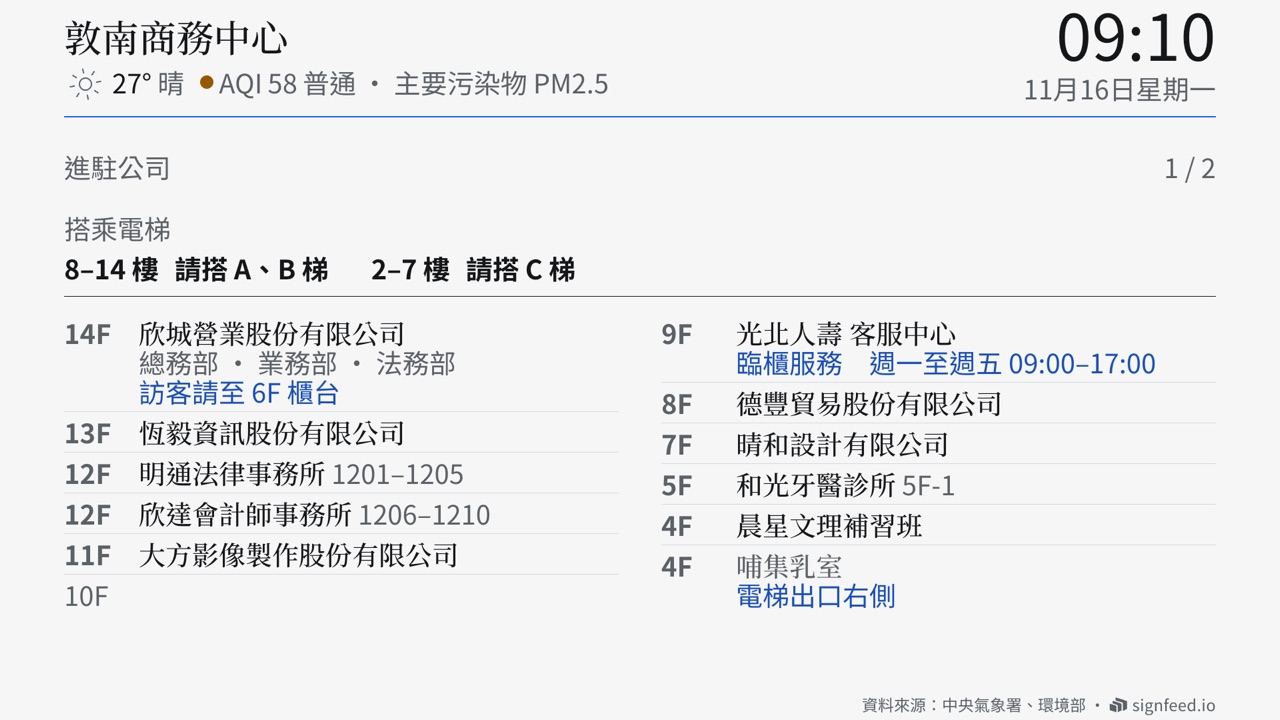
Offices
The building's directory, which lift to take, a welcome for visitors
-
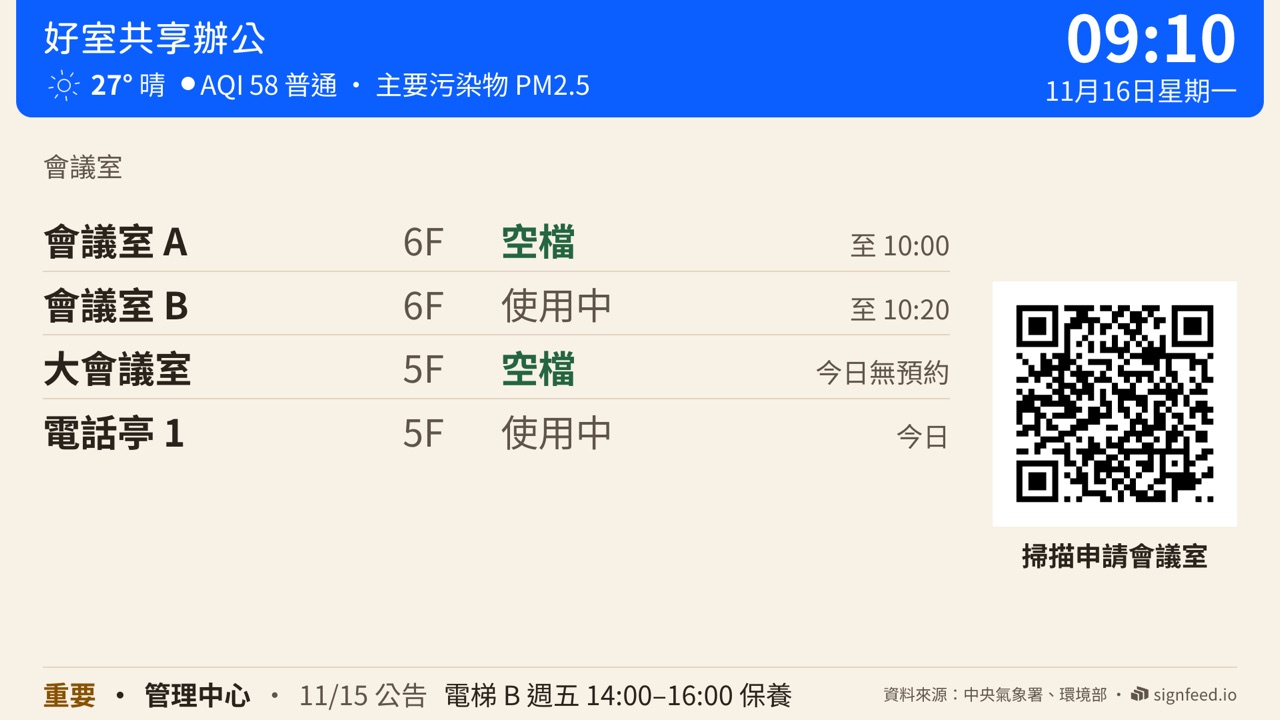
Coworking
Which rooms are free, booked with a scan
-
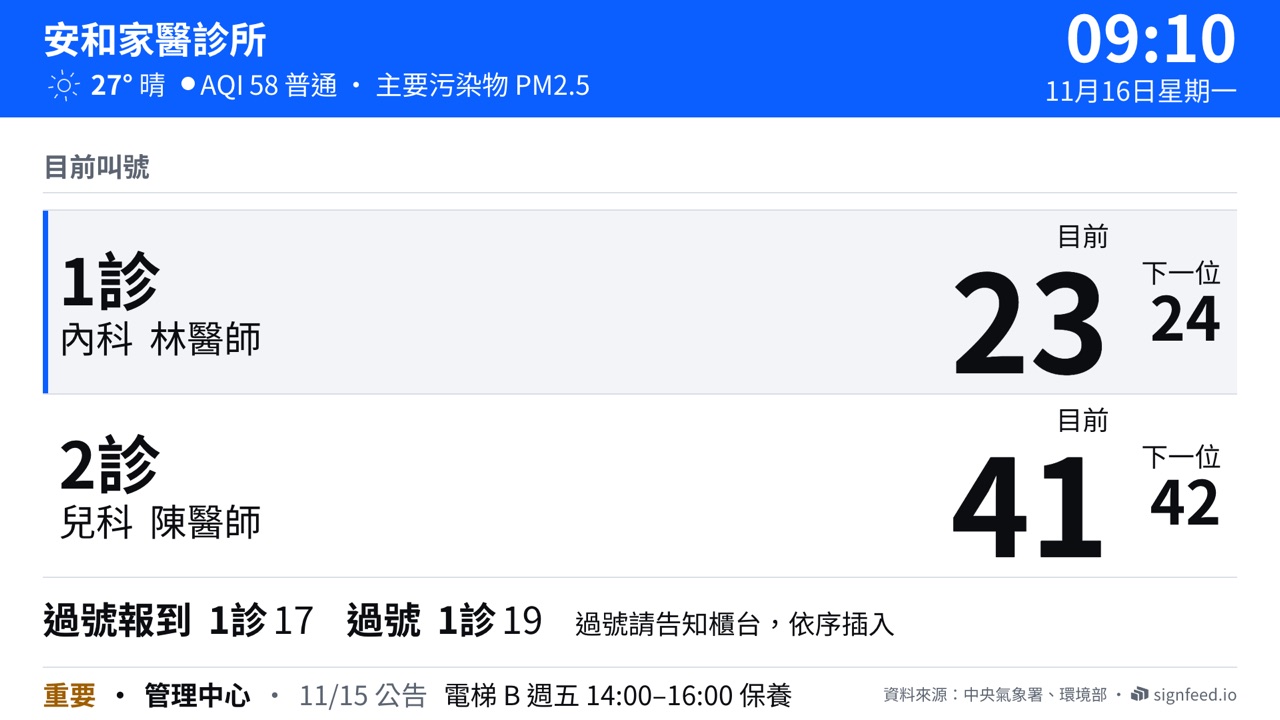
Clinics
Each room's current number and the next, missed numbers
-
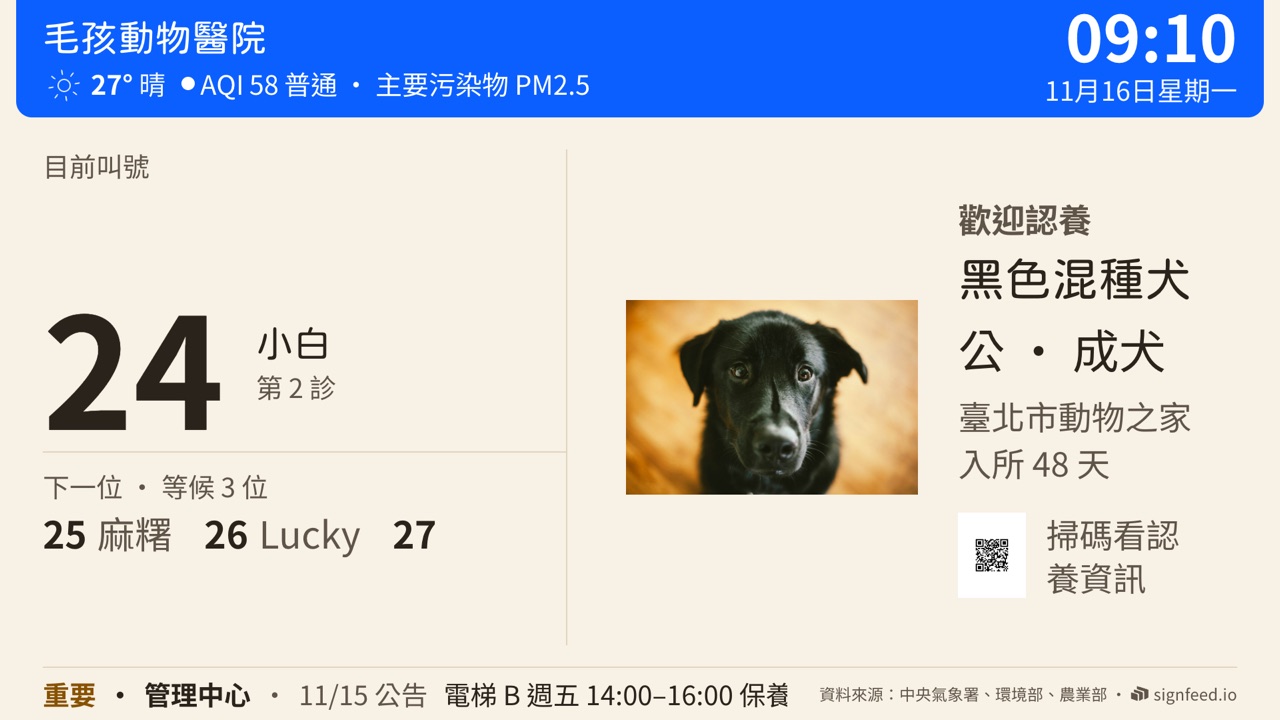
Vets
The queue, beside an animal waiting for a home
-
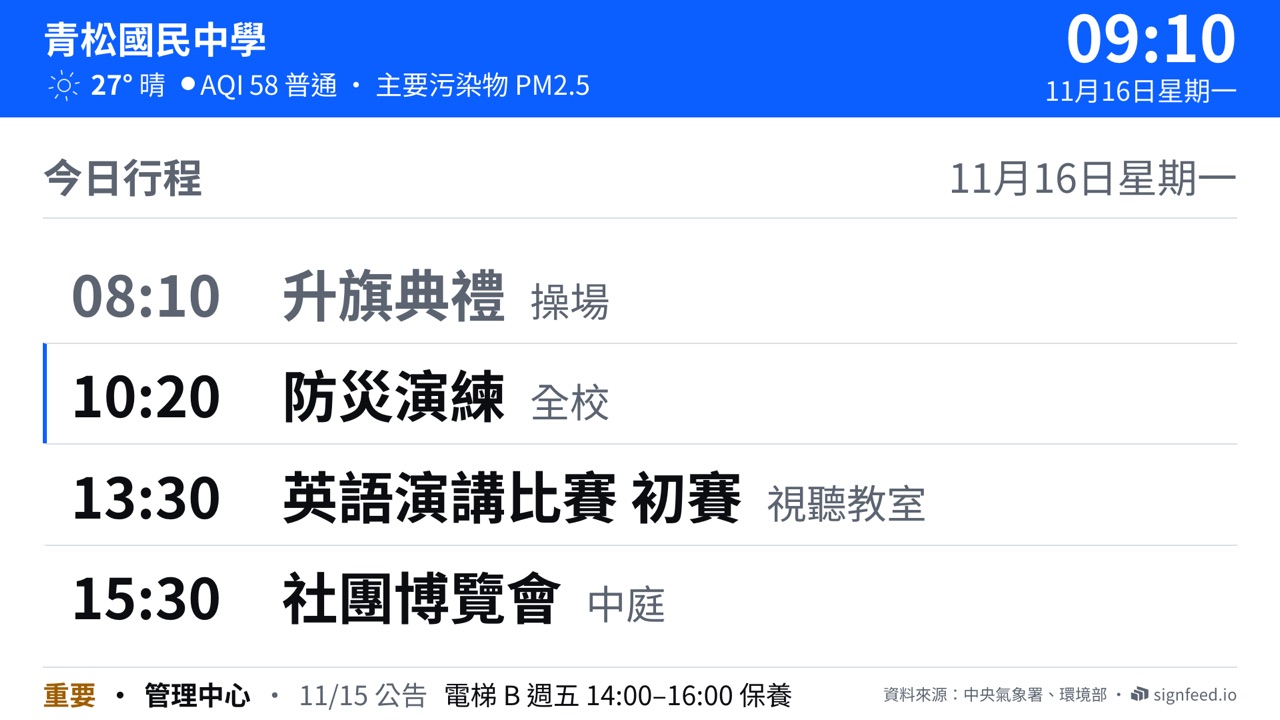
Schools
Today's schedule, lunch, achievements
-
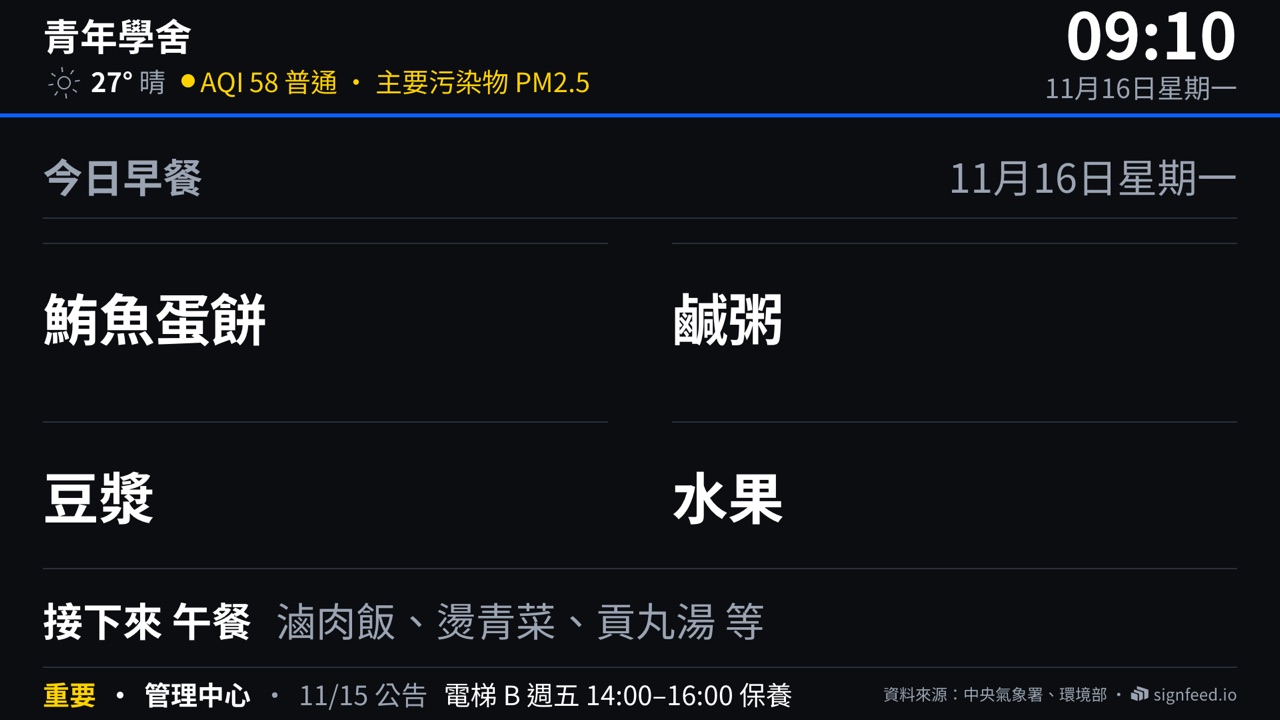
Dormitories
Today's meals, transit, notices
-
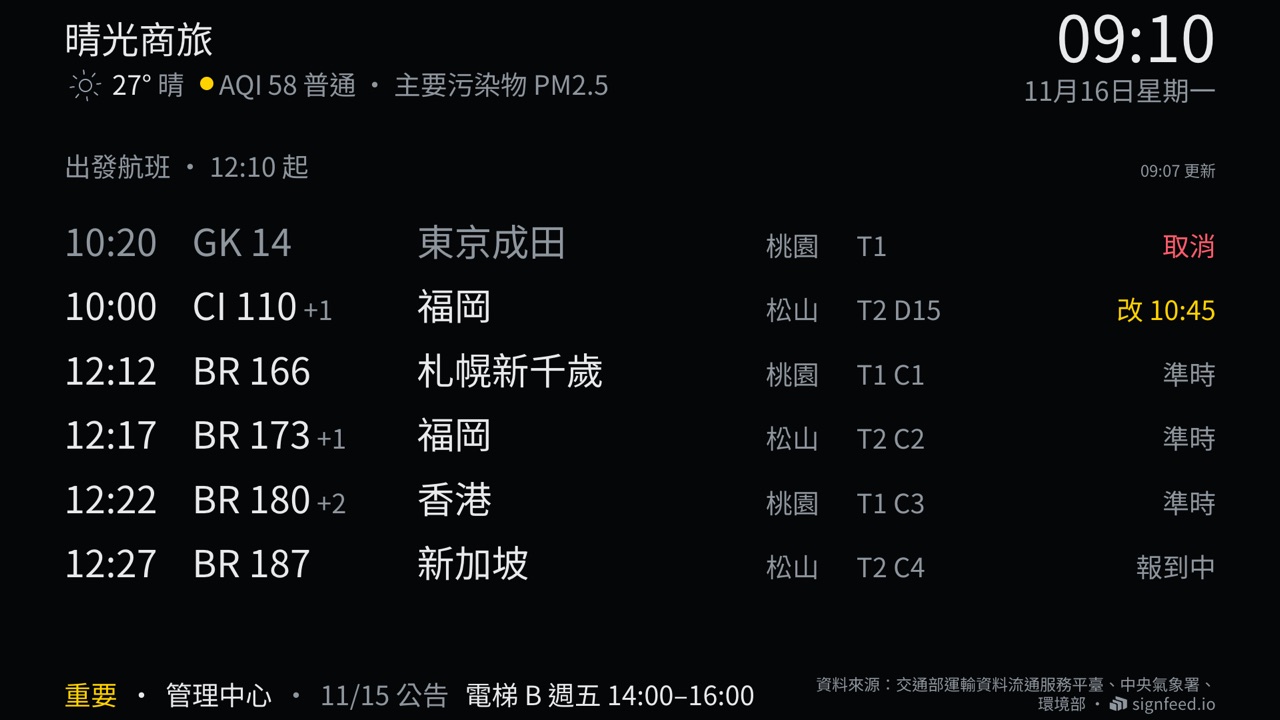
Hotels
Flights, transit, weather
-
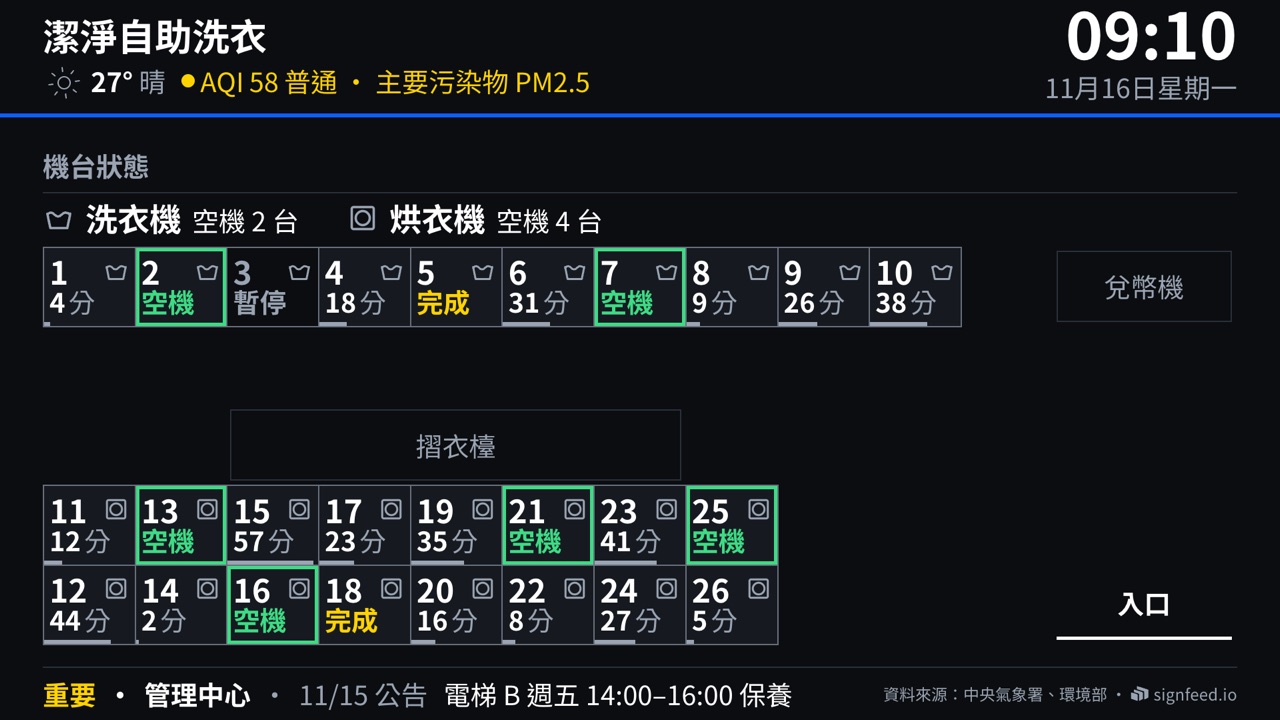
Laundromats
Which machines are free and how long the rest have left (with the shop's own machine system)
-
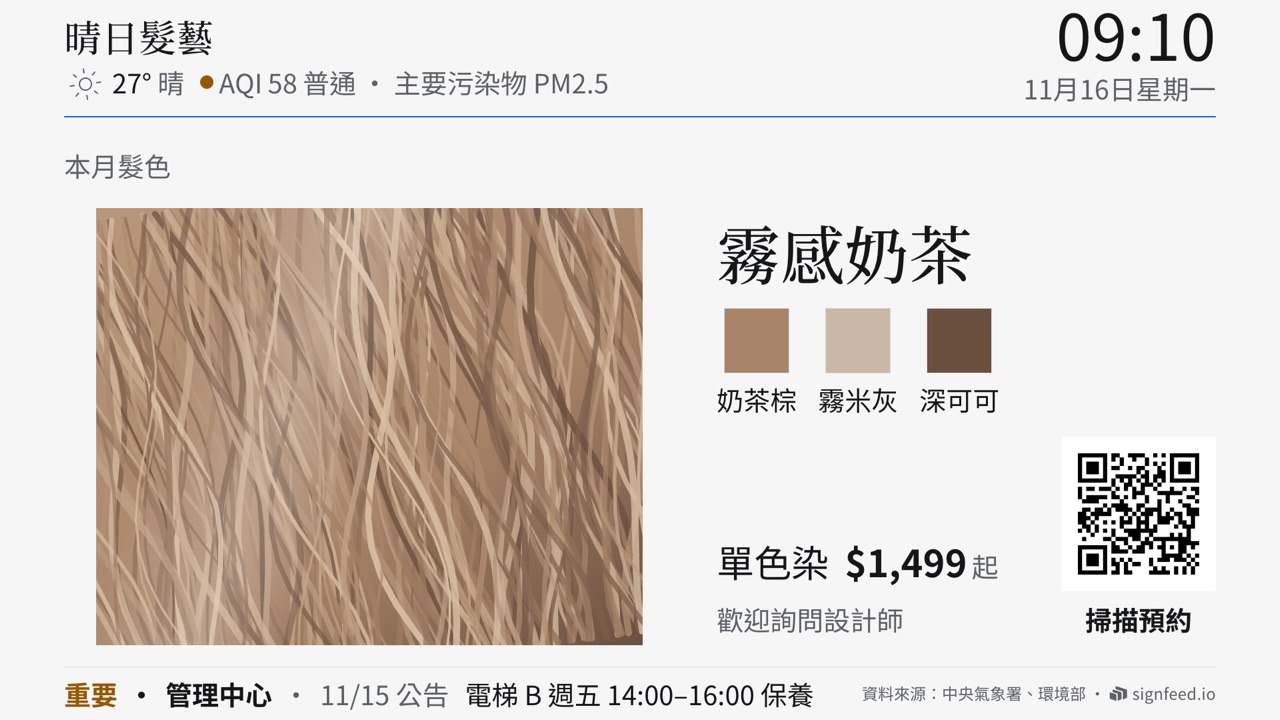
Salons
Prices, the colour of the month, the stylists
-
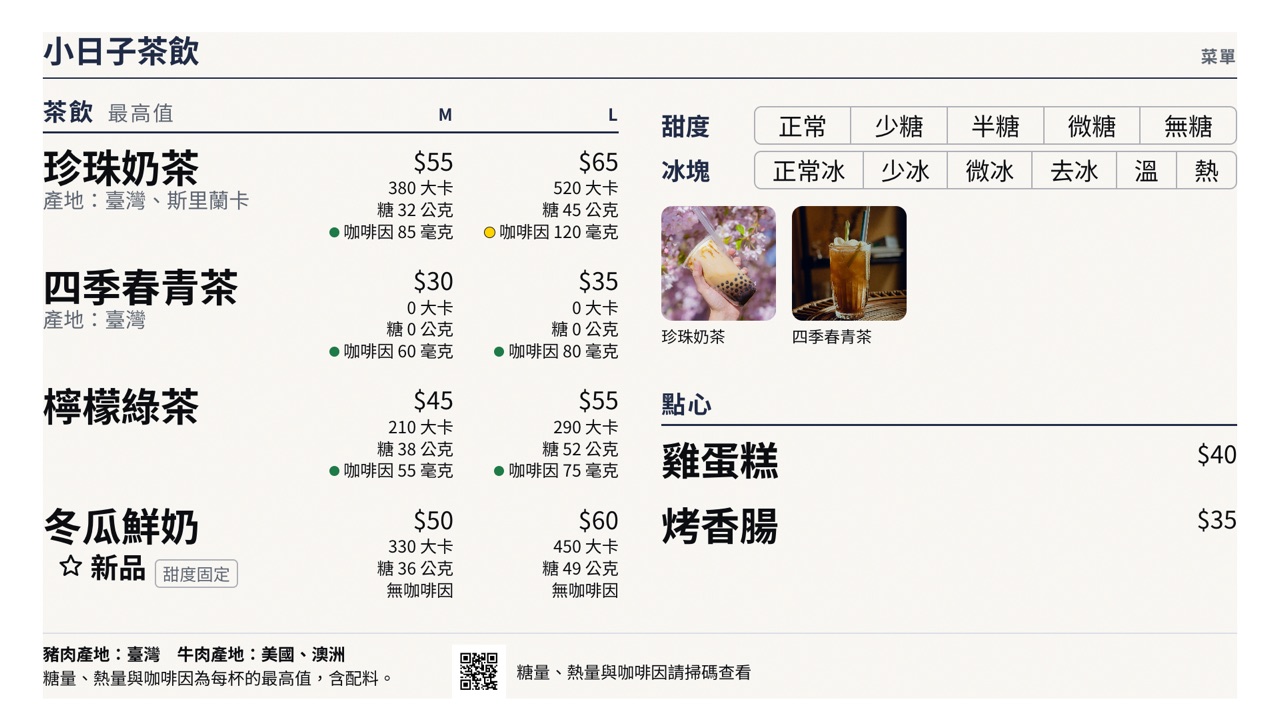
Tea shops and restaurants
The menu, sweetness and ice, calories and caffeine
-
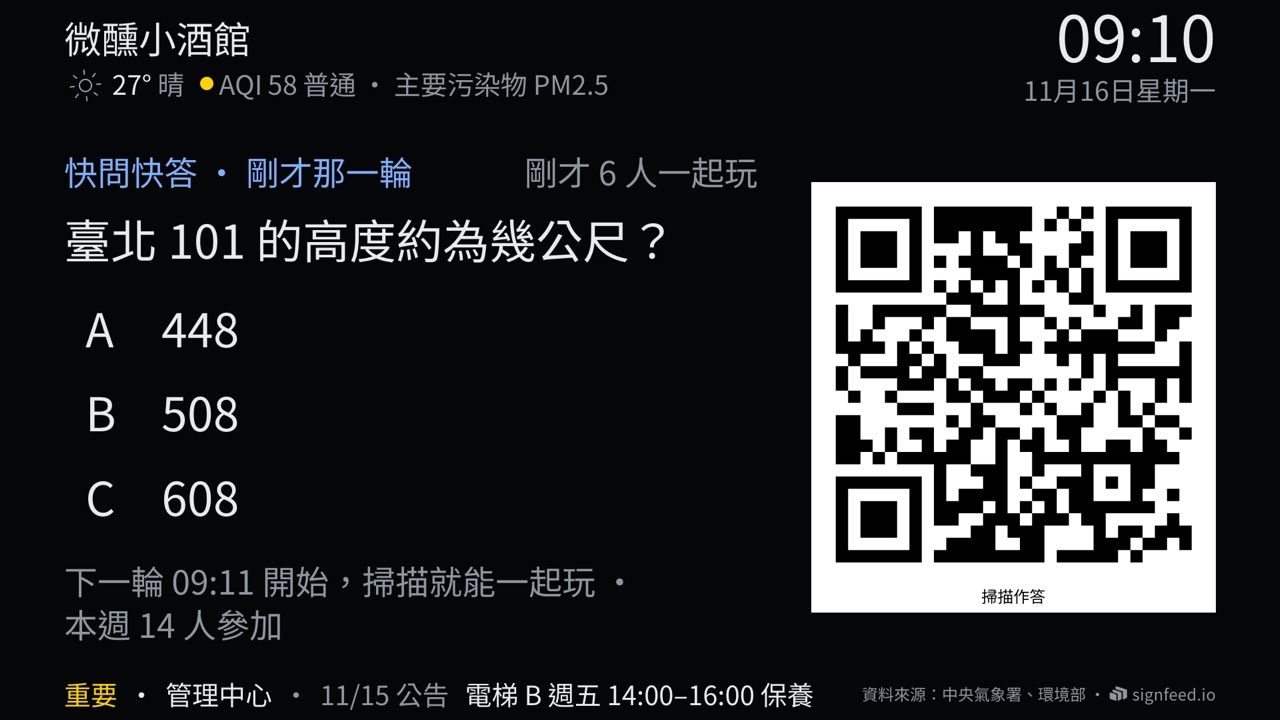
Bars
Quiz rounds guests play on their phones
In place
Where the screens hang
In waiting areas, at counters and in lobbies: where people already stop and look.
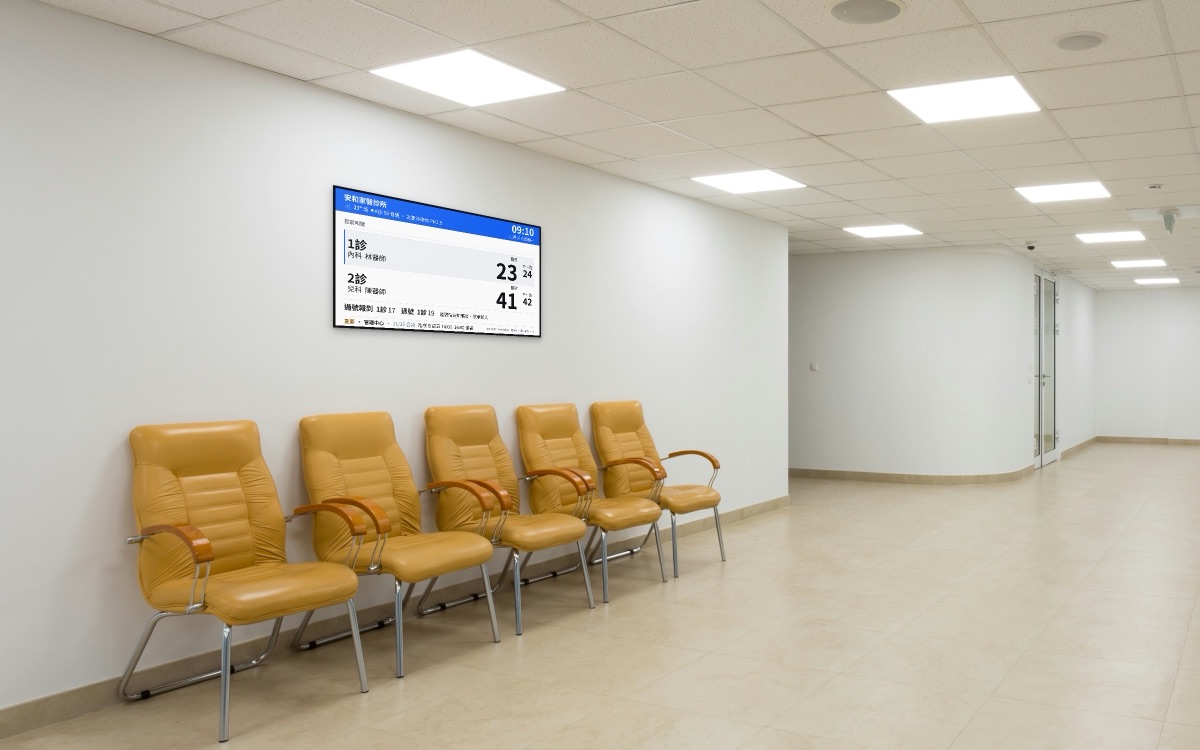
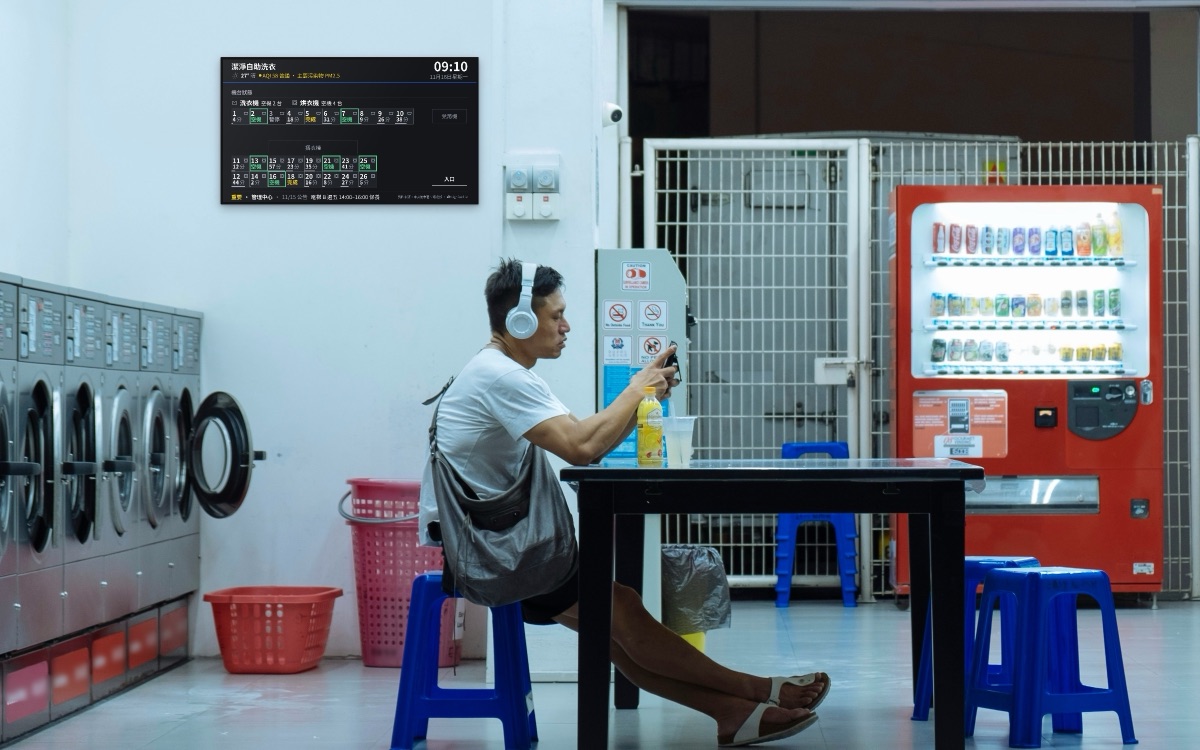
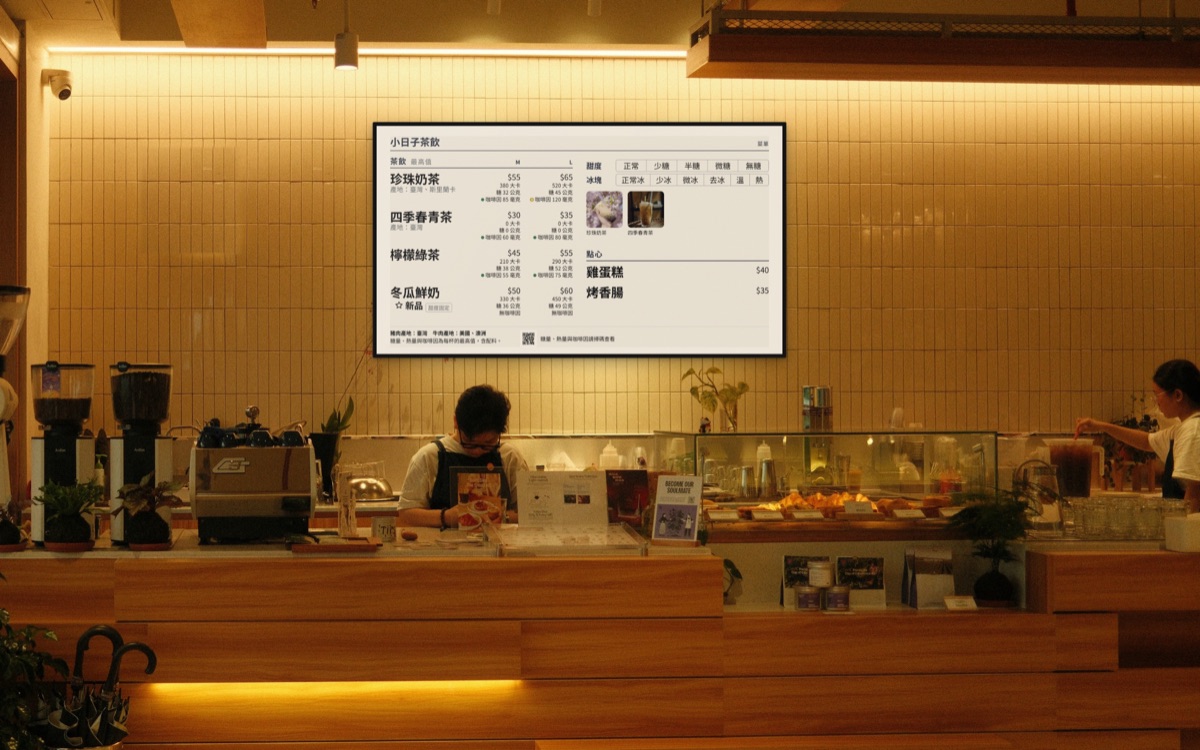
Illustrative composites: stock photos with real screens from the system.
How it works
Plug in a TV and start
Connect a TV
We supply a small player. It plugs into the TV's HDMI port and power.
Post from your phone
Managers send a message in the signfeed app or LINE, and the notice is on screen.
The rest keeps itself current
Buses, weather and air quality come from public open data, updated as they change.
What we stand by
Easy to read, easy to trust
- Scan to take partPolls, sign-ups and feedback open in the phone's browser, with no app to install.
- Ads are always labelled, and capped each loopOr choose no ads at all.
- Large type, clear contrastReadable from across a lobby or from the queue.
Contact
Want one in your building or business?
Add us on LINE. We'll learn about the place and what it needs, then come and look. Our address and other contact details are on the About us page.
